
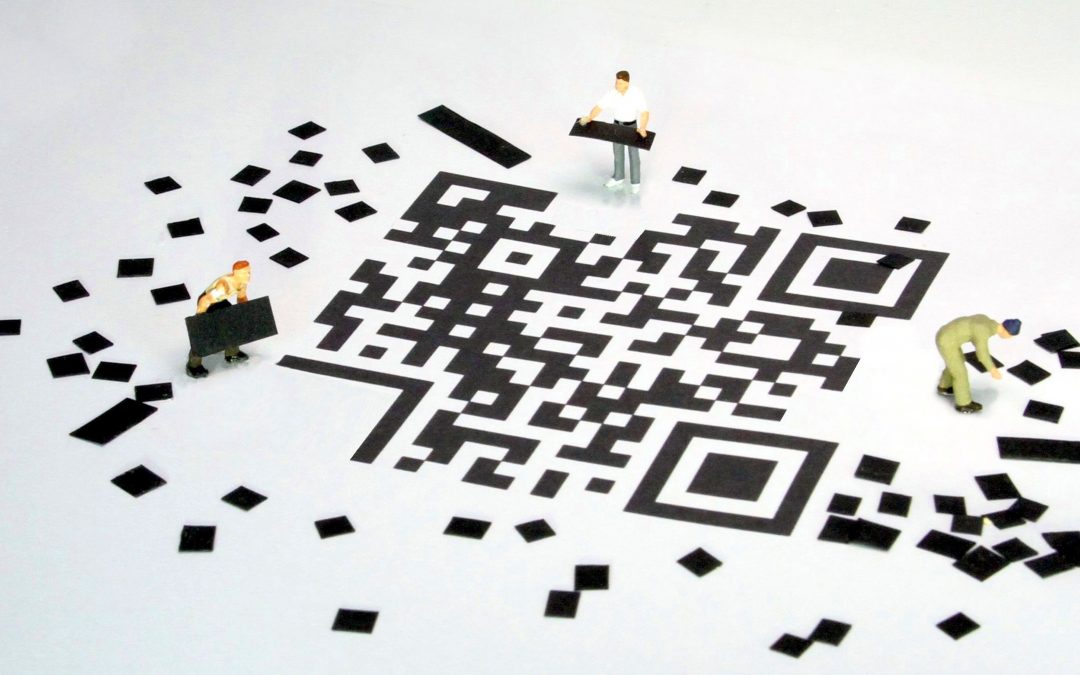
QR codes (Quick Response codes) have experienced a resurgence in the past few years due to people increasing their contactless interactions. They’re now one of the most efficient tools in your marketing kit, acting as a fast and convenient way for users to access more information in digital format than can be presented on a physical design. Whether it’s a direct link to book an appointment, an instant video testimonial or a trackable “buy now” page, QR codes ensure your printed marketing materials are working hard for you.
In this post, I’ve explored the aesthetics and placement of QR codes, static vs dynamic codes and how QR codes to make it easier than ever for your customers to buy from you.
Aesthetics of QR codes
QR codes used to be an eyesore on your marketing materials – clunky, monochrome blocks that disrupted the layout. However, QR code generators now allow for customisation that can align with your brand identity making them fit much better with your design. Here are some ways you can improve the look of your QR codes;
- Colour: You don’t have to stick to black and white. As long as there is enough contrast for a camera to read it, you can use your brand’s colour palette.
- Softened edges: Swap those large squares in the corners for rounded ones or custom shapes to soften the look.
- Logo integration: Placing a small, simplified version of your logo in the centre of the code reinforces brand trust before the user even clicks.
Placement of QR codes
Hierarchy is important in graphic design – a QR code should be easy to find but shouldn’t overpower the main message or the primary call to action.
- Is it large enough? Ensure the code is large enough to be scanned from a comfortable distance. A code on a business card can be small, but one on a billboard needs to be massive.
- White Space: Usually QR codes are generated with some white space around them. It is important to include this space on your design to help the scanners ability to lock in the pattern. Keep all text and images outside of this white space. We’ve been sent posters in the past that include QR codes that have had this white space cropped and the scanner struggles to read them.
Static vs Dynamic QR codes
There are two types of QR code – Static and Dynamic.
A static QR code encodes information directly into the pattern itself so that the code will always point to the exact URL forever. The more information you add (like a long URL), the more complex and “busy” the square becomes. These codes are great because they never expire and are free to generate. However, once printed you can’t change the URL so if you want to direct customers to a different page you would have to reprint your QR code.
Therefore, a static QR code is best for one-time uses – a person’s contact details (vCard), a permanent link to your homepage, links to instructions or to allow guests to instantly connect to a Wi-Fi network.
A Dynamic QR code doesn’t encode your URL into the pattern. Instead, it stores a short redirect URL that sends the user to your final destination. You can go into your settings at any time and change the destination link without ever changing the look of the printed code. However, this does require a subscription or QR management service.
The main benefit of dynamic QR codes is you can see how many people have scanned it, where they were and at what time, gaining valuable information on how well each of your pieces of marketing are working for you. The design will also be much cleaner because the encoded URL is simple, meaning the QR code is easier for cameras to read even at small sizes.
Dynamic QR codes are therefore great for any marketing materials, trackable adverts, restaurant menus and business cards.
How to encourage scans of your QR code?
When using a QR code on a piece of marketing material, to make it effective, you need to give the user a reason to scan the code. Here are some examples of how QR codes could be used;
Event posters – “Scan to add this date to your calendar.”
Product packaging – “Scan to enter our latest competition”
Business cards – “Scan to download my V-Card directly to your contacts.”
Restaurant menus – “Scan to see our daily specials and order.”
QR code best practices
Before you send your marketing materials to print, keep these three tips in mind to ensure your QR code works for everyone;
- Try and use dynamic codes: Unlike static codes, dynamic QR codes allow you to change the destination URL after the design is printed. If your website link changes, you won’t have to scrap 5,000 flyers.
- Test, then test again: Print out a proof at the actual size and test it using different devices and in low lighting conditions. Sometimes once printed the QR code is very low resolution and therefore can’t be scanned easily.
- The backup: Always include a short, clean URL (like brand.com/save) underneath the code for the 1% of users whose cameras might be acting up.
When designed well and treated as a core element, rather than a last minute addition – QR codes are a great opportunity to maximise your reach and turn your physical marketing into online conversions.
If you’re not sure how to generate QR codes or how to make them fit your brand, please get in touch – rosanne@silverstonedesignsolutions.com